URLs and slugs, per language
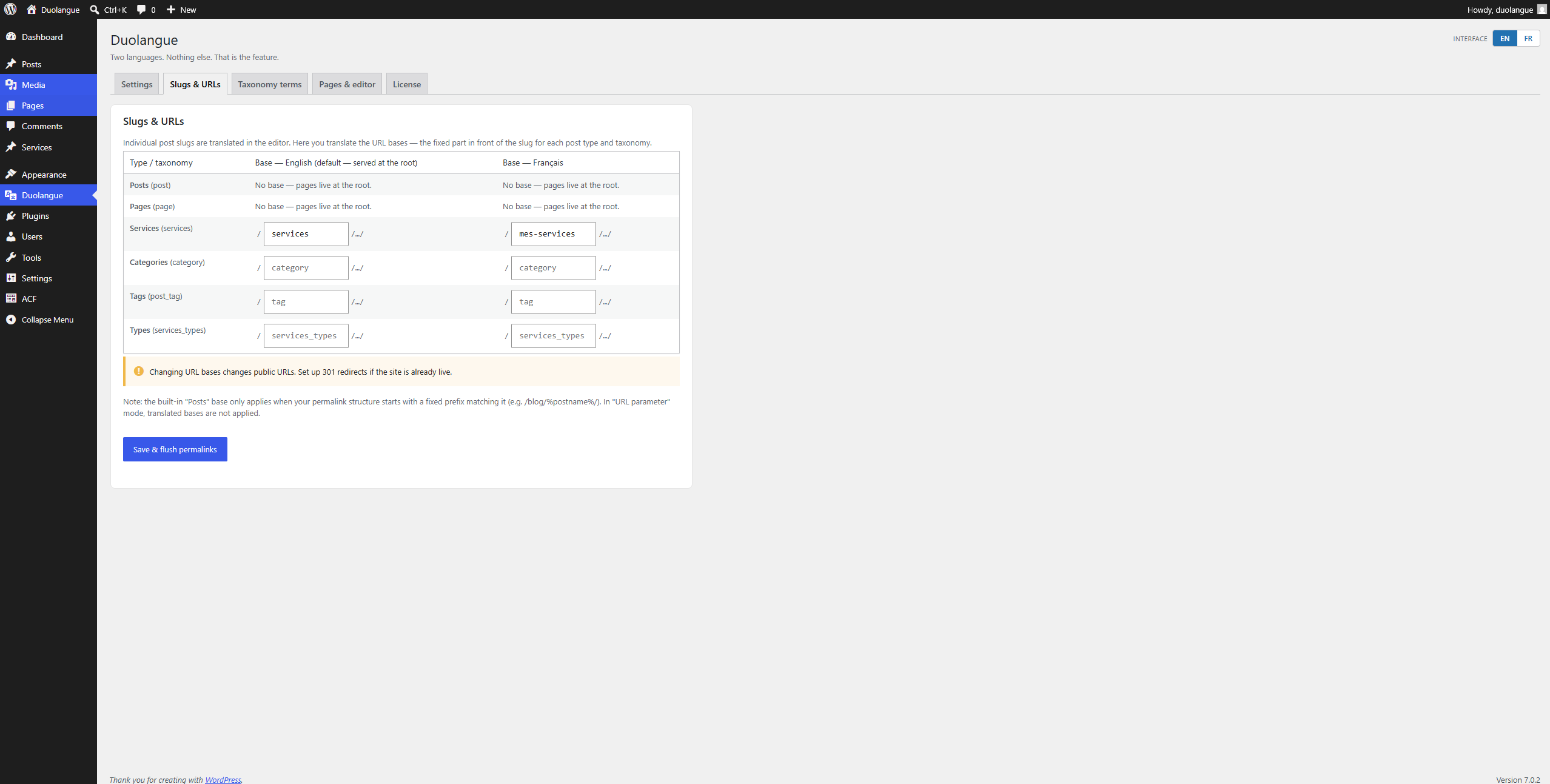
Your default language stays at the root and the other one gets its own prefix, like /fr/. Translate the URL base of each post type (/blog/ becomes /blogue/) and reuse the same slug in both languages.
For WordPress developers and agencies
Duolangue runs a bilingual WordPress site with no custom database tables and no settings maze. Pick two languages, link your pages, and you're done.
Built around a language pair from the start, which is why setup takes minutes instead of an afternoon. Features marked Pro are included in the paid plans.
Your default language stays at the root and the other one gets its own prefix, like /fr/. Translate the URL base of each post type (/blog/ becomes /blogue/) and reuse the same slug in both languages.
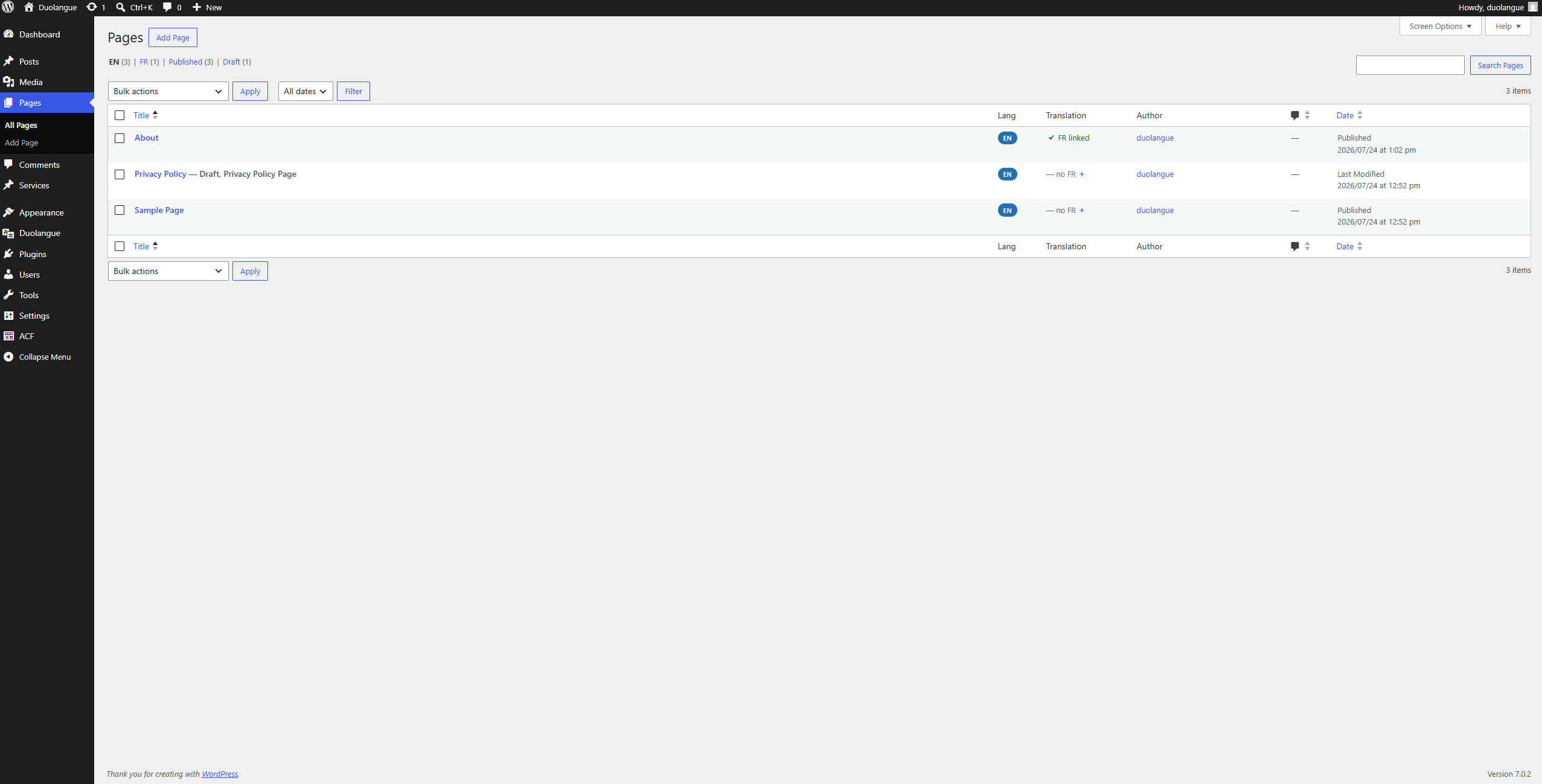
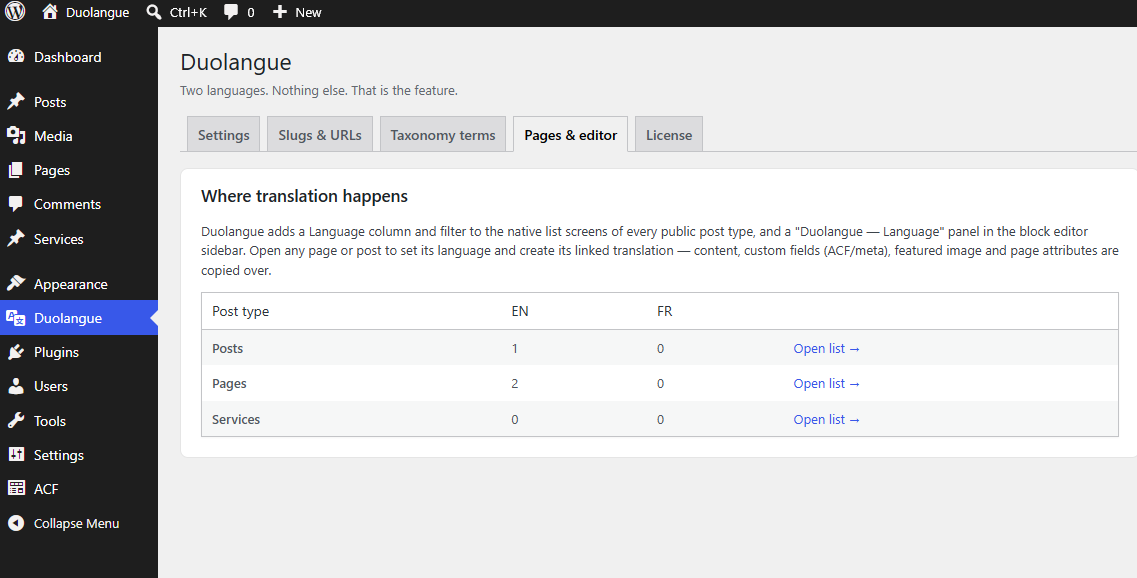
Pages, posts and custom post types each get a language and a linked counterpart, set from the editor. Unlink any time; nothing gets deleted.
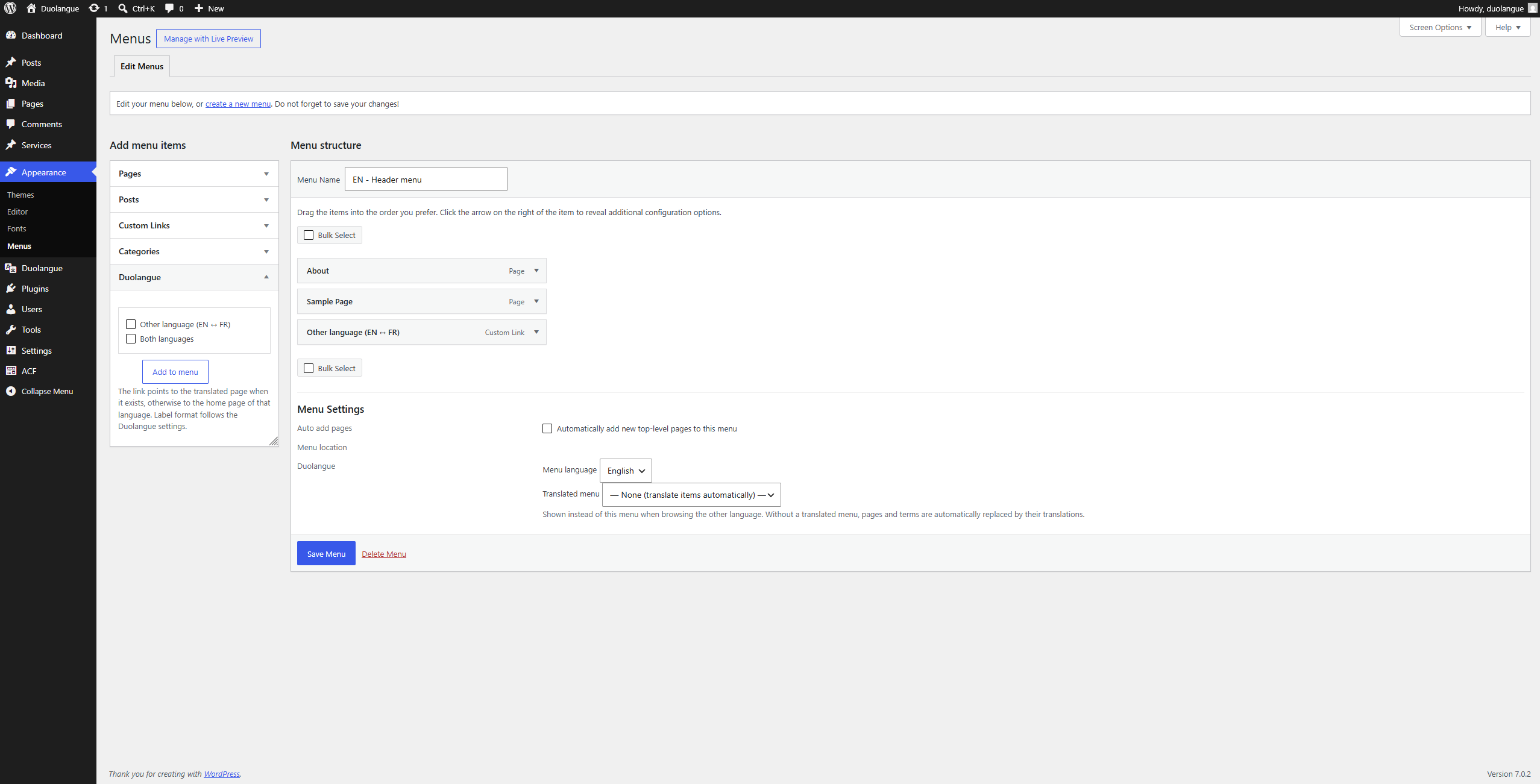
Menu items pointing to a linked page switch to its translation automatically, and a language link can be added to the menus you choose.
Alternate and x-default tags are added on every linked page. Place the switcher with a shortcode or a template function.
Copy the content, ACF fields, featured image, template and page attributes into the other language, already linked and saved as a draft.
Translate terms on a dedicated screen, link two whole menus, drag a language item anywhere in a menu, and give each ACF options page a tab per language.
Duolangue lives inside the native WordPress admin: familiar list tables, familiar panels, one focused settings screen.
WPML and Polylang are built to handle any number of languages. Duolangue is built for the most common case: exactly two.
| Capability | Duolangue | WPML | Polylang |
|---|---|---|---|
| Languages | Exactly 2 | Unlimited | Unlimited |
| Free version | Yes, on WordPress.org | No | Yes, on WordPress.org |
| Custom database tables | None | Yes | None |
| Machine translation | Not included, by design | Available | Available |
Start with the free version. Pro adds one-click translation, categories and tags, linked menus and per-language ACF options. Billed annually, updates and support included.
CA$0
On WordPress.org, no account needed.
CA$49.99/year
For one client site.
CA$89.99/year
For agencies with a handful of client sites.
CA$149.99/year
For agencies running Duolangue everywhere.
Straight answers, the same ones the plugin's design is built on.
The free plugin on WordPress.org runs a complete bilingual site with no limits: per-language URLs, linked translations for pages, posts and custom post types, menus, hreflang and the language switcher. Pro adds one-click translation, categories and tags, linked menus with a draggable language item, and per-language ACF options pages.
No. Duolangue is built around a language pair: every page has exactly one counterpart in the other language, and URLs, menus and the switcher are designed for that pair. That's true of every edition, Pro included. If you'll need three or more languages, a multilingual plugin is the right tool.
Yes. English and French, Spanish and German, any pair. Language codes, names and WordPress locales are fully configurable, and routing, hreflang, menus and admin screens all follow the pair you choose.
With Pro, one click copies the blocks and content, custom fields (including ACF), the featured image, the template and page attributes, then links the two pages. In the free version, you link two pages that already exist. You can unlink any pair at any time; nothing is ever deleted.
In standard WordPress post meta (and term meta for translated terms in Pro) plus one option. No custom SQL tables. Uninstalling keeps language assignments and translation links by default, so reinstalling restores every page to its language. A wp-config constant is available for a full wipe.
No, by design. Duolangue manages the structure of a bilingual site (languages, links, URLs, menus) and leaves the words to you or your translator.
Yes. Duolangue was built inside a WordPress agency that runs Oxygen Builder and ACF Pro on client sites. Every public custom post type gets language columns, tabs and translated URL bases, ACF relationship fields only list content in the language being edited, and builders that register no menu locations are covered by an all-menus option.
No third language to plan for, no import wizard, no table migrations at 2am. Install the free version, pick two languages, start linking pages.